- Solutions
- Pricing
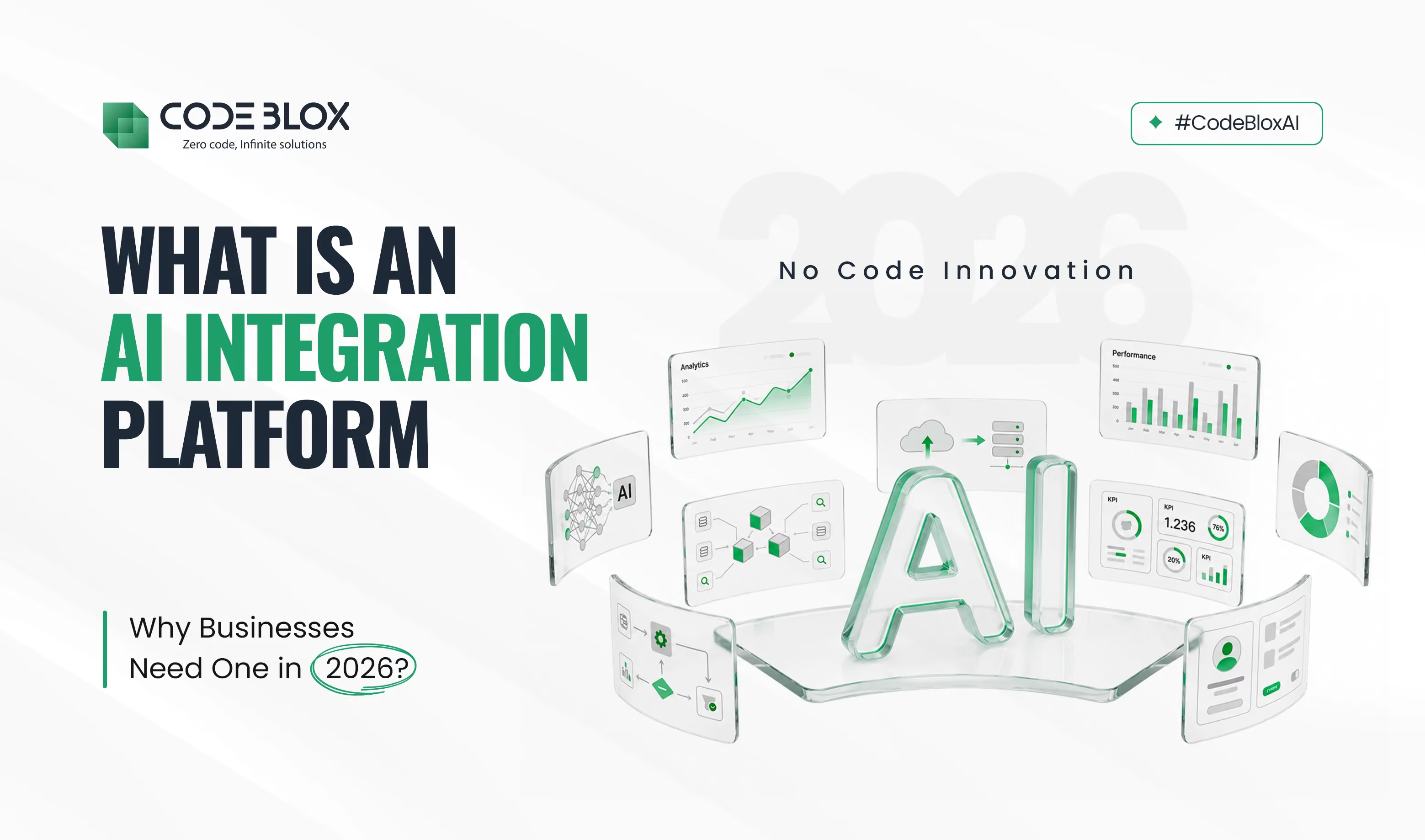
Walk into most companies today, and you run into a quiet contradiction.
They have spent heavily on AI. Yet employees still copy customer data between systems every morning.
The software on their desks is new, but the work happening underneath it looks much like it did a decade ago.
The reason has very little to do with the quality of any single tool. Companies bought their AI capabilities from different vendors, but each worked independently instead of sharing data with other systems. What businesses are left with is a dozen genuinely capable systems that behave like strangers, plus a person stuck in the middle whose real job has quietly become passing data between them.
Closing the gap between smart tools and connected work is the real problem worth solving in 2026. An AI integration platform is built to solve exactly that.
Rather than buying another tool, companies connect the applications they already use to a shared foundation. AI moves data between them automatically.
CodeBlox enables teams to build the apps they need on a shared database, with no code and no developers, giving data a single source of truth and eliminating manual copying.
Getting two systems to share data has always been the hard part of running connected software. The way it was handled for years is also the reason it broke so often.
Connecting two applications used to mean writing custom code that mapped the fields in one system to the fields in another, then syncing them on a schedule. That setup held together until something on either side changed, and then it tended to fail in ways nobody noticed straight away:
Anyone who has kept these connections alive knows how much quiet maintenance they demand.
A modern enterprise integration platform approaches the same job differently.
Instead of acting as a rigid pipe between two fixed points, it reads the data and interprets what each piece means. As a result, changes in data structure no longer break the connection.
When a customer updates their phone number, the platform recognizes that record everywhere it appears. Real-time data integration means a correction is written once and reflected across every connected system within seconds. That keeps the billing app, support desk, and email list perfectly synchronized.
This is where business system integration proves its worth.
When every tool draws from one central database instead of keeping its own private copy, the silos that usually form between departments never get the chance to harden.
Sales no longer have to check whether finance is holding the current details, and support stops asking customers to repeat information the company already recorded last week.
There is one source of truth for everyone to work from, and an AI integration platform like CodeBlox keeps that source at the center, which is why the figures a manager reviews on Monday morning match the data the system was acting on over the weekend.
For most of the last decade, building software to fit a specific business need meant a long wait and a large bill. That equation has changed.
The old process was slow by design. Teams spent weeks writing requirements and handing them to developers. Three to six months later, the first working version often supported a process that had already changed. A no-code integration platform changes who is able to build in the first place. Instead of sitting in a developer backlog, the work moves directly to the people who know the process best.
On CodeBlox, an operations manager can describe a need in plain language, such as tracking inventory across two warehouses. The platform generates the components that would normally require weeks of developer effort, such as:
Work that once filled a quarter of the calendar now fits inside an afternoon, which is what makes it a real no-code automation platform rather than a gallery of fixed templates.
Building something new does not mean walking away from the systems a business already depends on.
Most companies still need their apps to reach email, accounting software, or a payment processor, and CodeBlox serves as the bridge to those established tools.
That connective layer is what turns AI-driven business solutions from a line in a sales pitch into something a team can actually use every day. The new app fits into the existing setup instead of forcing a complete rebuild.
CodeBlox offers ready-made templates for common processes along with a free trial. So, teams can build one connected app and watch how the data behaves before committing to anything wider.
{CTA button:Schedule a Demo:https://www.codeblox.com/schedule-demo}
The value of a connected platform becomes far clearer in the ordinary work of specific teams. Each example below runs on the same shared database, which is what allows an action taken in one department to register instantly in another.
A sales representative finishes a call and, under the old routine, is expected to write up notes and update the customer record afterward.
In practice, that step gets skipped often enough that the record slowly falls out of date.
CRM workflow automation removes the reliance on anyone's memory. The system captures the call, drafts the notes, and updates the customer profile automatically, leaving representatives free to move to the next conversation while keeping the pipeline accurate.
Human resources shows the same principle stretched across a longer chain of steps.
When a candidate enters their details through an online form builder, that information flows straight into custom HR management software without anyone having to rekey it.
Once the hire is confirmed, Enterprise Workflow Automation triggers the follow-on tasks that are usually managed through email. It sends IT requests to prepare a laptop, create an email account, and grant the right system access, so the new employee is ready to start on day one.
Finance is where manual effort tends to pile up the most, and it is where enterprise finance automation earns its place.
The AI automation software reads each incoming invoice and matches it against the corresponding purchase order. It then checks whether the figures agree.
When an invoice for $4,200 arrives against a $3,900 order, the system flags the difference for a person to review. Everything that reconciles cleanly passes through automatically.
Handling reconciliation this way is a practical example of AI business process automation. It takes over work that people generally dislike and often rush.
The real advantage appears once these examples stop working in isolation. Workflow automation lets a single event update several systems at the same time, so when a deal closes, it can:
Coordinating that many systems from one trigger, rather than through three separate people forwarding messages to each other, is the practical point of AI workflow automation.
Consolidation raises two fair questions: is it safe to keep everything in one place, and does it actually save money? Both answers work in the platform's favor.
A single well-governed system is usually safer than a dozen loosely managed ones. An AI-powered automation setup controls access by role, so people see only what their job requires:
Because those permissions are defined once and applied everywhere, sensitive data stays out of stray spreadsheets on personal laptops. The company also avoids maintaining scattered logins that each create another potential security risk.
Subscription sprawl is expensive in a way that rarely shows up on a single budget line.
Ten tools at a few hundred dollars a month is already a meaningful sum before anyone counts the hours lost to shifting data between them by hand.
Moving those functions onto one business process automation software platform shrinks the stack down to a single bill. It also removes most of the manual work, creating savings that continue every month instead of just once.
Accountability matters here, too.
A capable AI automation software keeps audit logs, which simply means it records automatically who changed a given record and when.
If a price gets edited or an entry gets removed, the history is there to examine. A compliance question becomes a quick lookup instead of a slow search through old email threads.
Set the terminology aside, and the argument becomes straightforward.
At their core, digital transformation solutions are about making work simpler and operations more reliable. They reduce duplicated effort and the small errors that happen when data is moved by hand. A connected setup returns time to the work that genuinely moves a business forward.
For 2026, the more effective strategy is to replace an already crowded stack of applications with one unified, no-code platform that lets AI carry out the repetitive movement of data in the background.
That is the real promise behind an AI integration platform, and it explains why the operations teams that once collected tools have started consolidating them instead.
Ready to find out whether it fits your business? Explore the ready-made templates on CodeBlox, or get the trial and build your first connected app to see how it holds up against a workflow you already run.
{CTA button:Try CodeBlox for Free:https://www.codeblox.com/contact:Ready to find out whether it fits your business? Explore the ready-made templates on CodeBlox, or get the trial and build your first connected app to see how it holds up against a workflow you already run. Explore the ready-made templates on CodeBlox, or get the trial and build your first connected app to see how it holds up against a workflow you already run.}
Find answers to the most common questions about our no-code platform and how it can help you build powerful business application solutions without writing a single line of code.
A single, well-run platform is usually safer than a dozen disconnected apps. Access is set by role, and audit logs record every change staff makes.
Look for a shared database, no-code building, and role-based security. Good AI automation software should also offer AI workflow automation and ready connectors to tools like email and accounting.
Yes, easily. As a No-Code Automation Platform, CodeBlox lets small teams build and connect apps themselves, making AI-driven business solutions affordable without an engineering team.
It cuts manual work, reduces errors, and lowers costs. AI-powered automation keeps records accurate, and one Business Process Automation Software platform replaces several separate subscriptions.
Every app connects to one central database. The Enterprise Integration Platform reads each change and uses real-time data integration to push it across all systems within seconds.
%20(1).avif)
Tilly leads Operations and Solution Delivery at CodeBlox, partnering with enterprise teams to design scalable business systems before development begins. With hands-on experience across ERP, CRM, finance automation, and industry-specific digital transformation projects, she writes about solution architecture, process optimization, AI-powered workflows, and the practical decisions that determine whether enterprise software succeeds in the real world.
.avif)
%20(1).avif)

%20(1).avif)

.avif)
.avif)
.avif)
.avif)

.avif)
.avif)
.avif)


.png)
.png)
.avif)
.avif)
.avif)
.avif)
.avif)
.avif)
.avif)
.avif)
.avif)
%20(1).avif)

.avif)



.avif)
.avif)
.avif)
.avif)
.avif)

.avif)
.avif)
.avif)
%20(1).avif)
.avif)